
Gateways
Connect via Winbox
Outdated: this section documents The Things Network V2, which is no longer maintained. See the documentation for The Things Stack V3, or browse the V2 docs index.
While most configuration can be done via the LR2 web interface, some things like changing its static IP address or password need to be done via Winbox Tools.
-
Download the Winbox tools via the links in the Routerboard configuration guide.
-
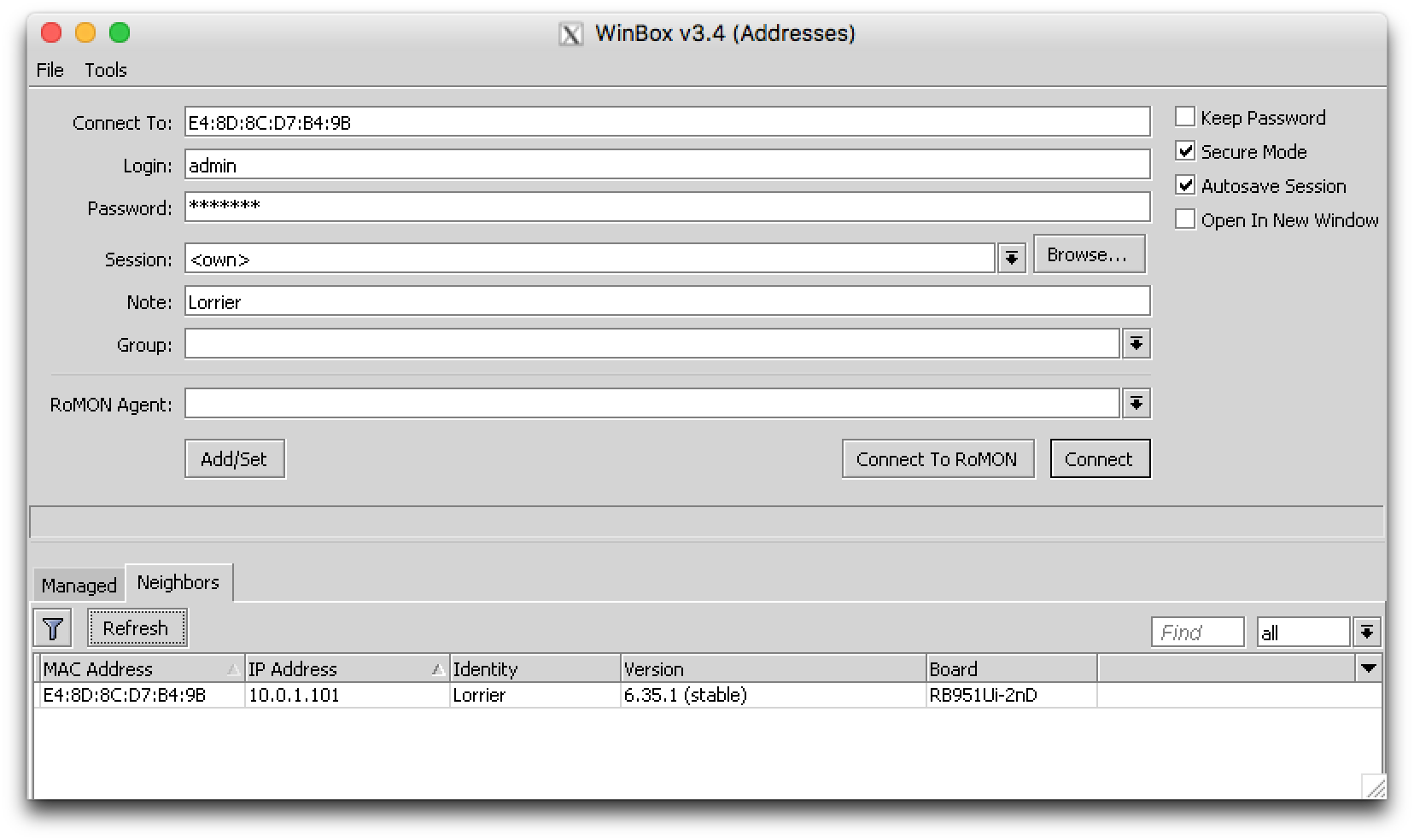
Use the Neighbors tab to find your LR2:
-
Enter your login as password and Connect.
The default login is
adminand the default password islorrier.