
Gateways
Outdated: this section documents The Things Network V2, which is no longer maintained. See the documentation for The Things Stack V3, or browse the V2 docs index.
Install etcher for OSX
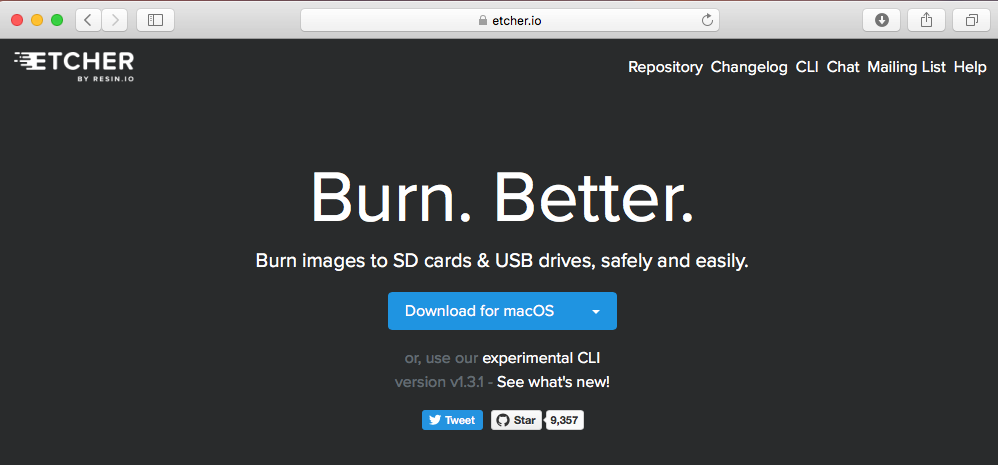
- Download etcher from http://etcher.io
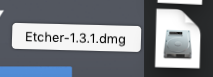
- Open the downloaded file
- Drag the ‘Etcher’ icon on the left to the ‘Applications’ on the right
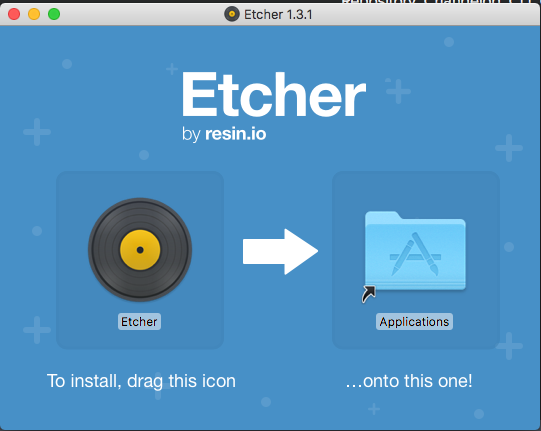
- Close the ‘Etcher’ window
- Find ‘Etcher’ (the old fashioned LP icon) in you applications and open it.

- Confirm you want to ‘Open’ it.
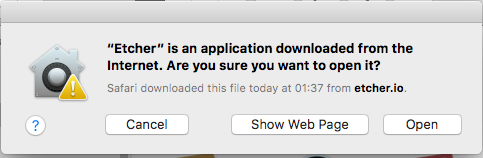
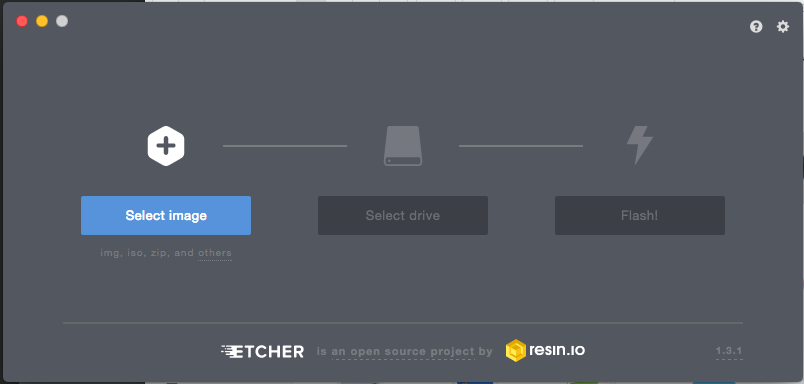
- If you see the screen below the installation was successful
- Close the software (for now)